Callnote Premium Overview
-
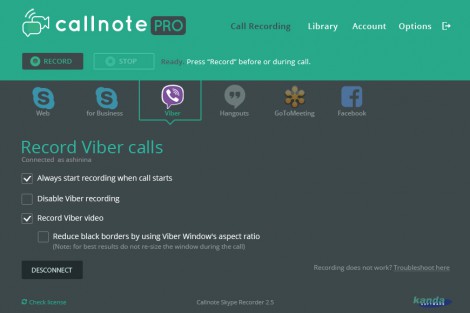
Record automatically
or use the record and stop buttons. -
Record shared screen
and chats from your Skype calls. -
Take instant snapshots
during your video calls. -
Manage Video and Audio Records
view and edit recorded calls and chats, delete outdated call recordings. -
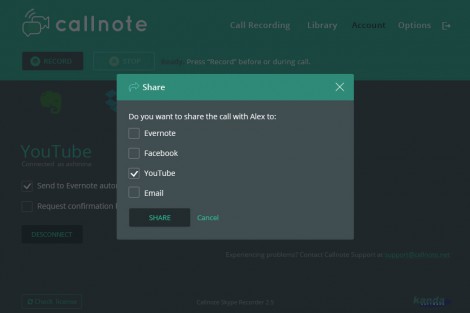
Share Call Records
on Facebook, Youtube or via Email in just a couple of clicks. -
Easily save videos
to Evernote, Dropbox, Google Drive or OneDrive.
Features
High-quality video and audio call recording
Callnote Premium automatically captures audio and video on shared screens and chats. It’s a convenient way to record calls and manage recordings. Call recording can be started automatically, or you can pause and resume the current recording anytime.
Manage and Search recordings library
All your conversations are stored safely on your Mac. You can save participant names, call times, and durations; and add notes to your recordings to easily search for them afterwards. Add tags or posting notes to easily find any call recordings and summarize the conversation.
Store and Share your video call records in one click
Send the records straight to YouTube, Dropbox, Evernote, Google Drive, OneDrive, Facebook, or email with just one click.
Multilingual interface
Support for different languages includes English, Spanish, German, Russian, French, and Japanese.
Installation Instructions
- Click on “Download” button.
- Register with a valid email and install the app. It is absolutely FREE!
- For further information check FAQ page or contact [email protected].